Cue
Desktop AI assistant for voice typing, transcription, and agent tasks.

Overview
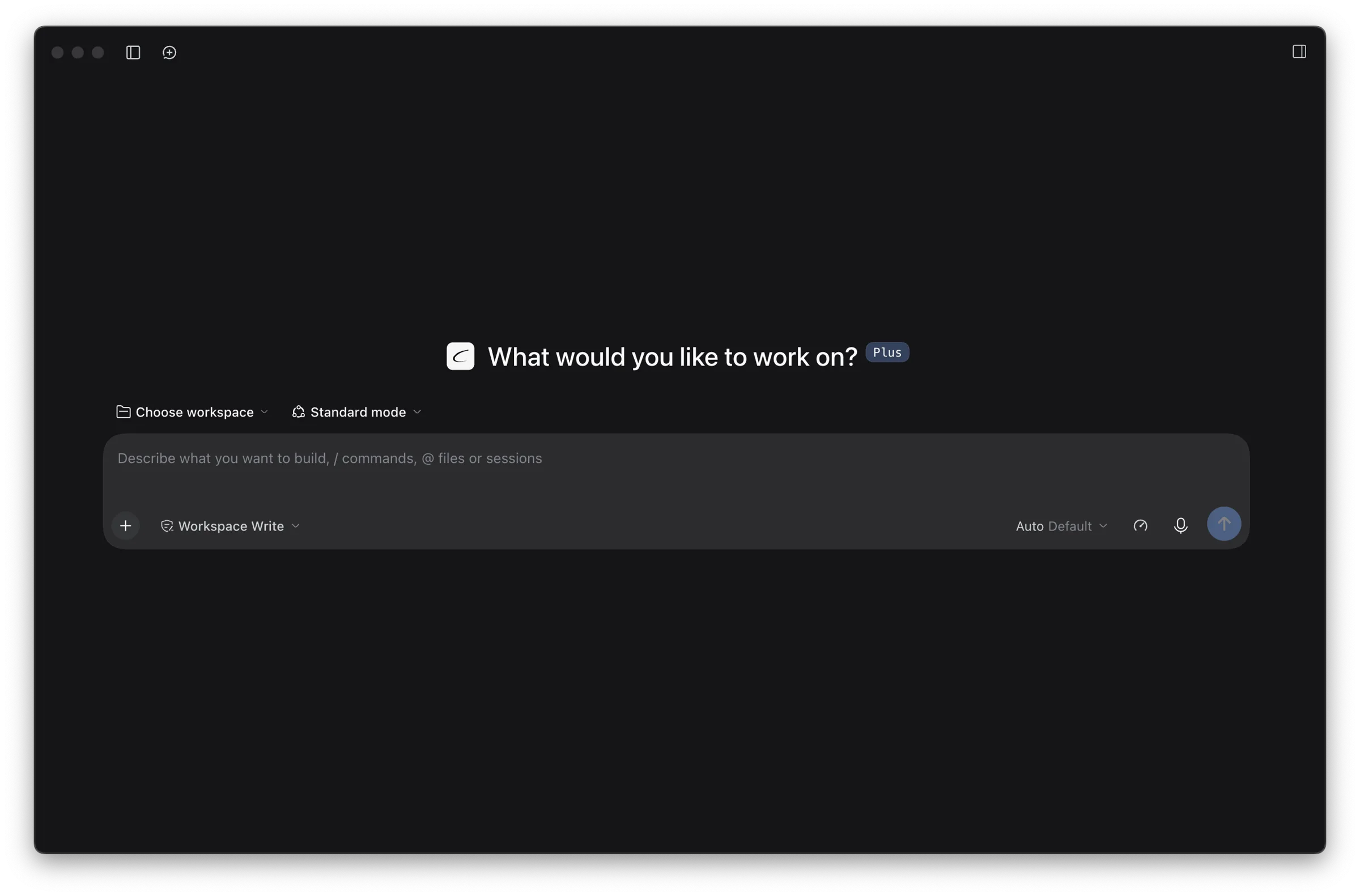
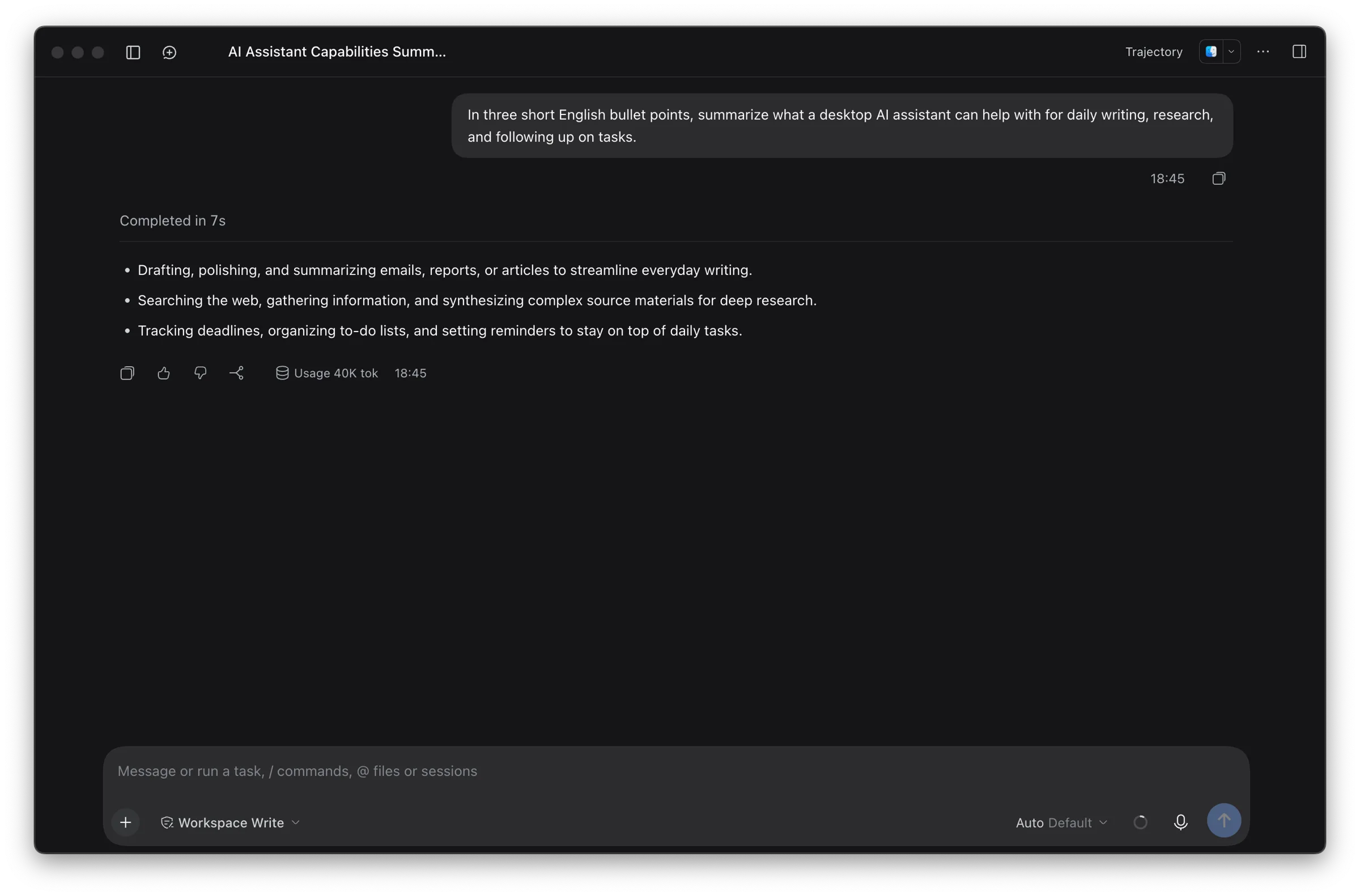
Cue is a desktop AI assistant built for everyday work on Mac and Windows. It works in four ways: dictation turns what you say into a draft in a supported text field; Ask with context lets you share a passage and a question and work through the answer together; Agent mode runs supported tasks using the context on your screen; and meeting capture records and transcribes meetings with permission. Cue routes work to available models and speech services, so you can dictate, summarize, and act without switching apps. Free to start; Cue Plus adds expanded usage. Review every result before you rely on it. Use Cue for hands-free writing, meeting notes, research with your own context, and routine desktop tasks. It sits on your desktop rather than in a browser, and keeps your documents and context under your control.
Pricing: Free to start; Cue Plus $19.99/month
Minimum macOS: 13.7 (Ventura)
Architecture: Apple Silicon, Intel
Key Features
- Dictate text by voice into any supported field
- Ask questions with context from your screen
- Run supported agent tasks on your desktop
- Capture and transcribe meetings with permission
- Available on Mac and Windows
Cue Alternatives

Otter.ai
AI meeting assistant with real-time transcription and smart summaries

Fireflies.ai
GPT-4 powered AI notetaker for meetings across all platforms
VoiceInk
Open-source local dictation for Apple Silicon Macs

Wispr Flow
Cloud dictation with automatic cleanup across your apps