Auto Ducking: Volume Control
Your Mac turns music down when you talk, up when you stop

Overview
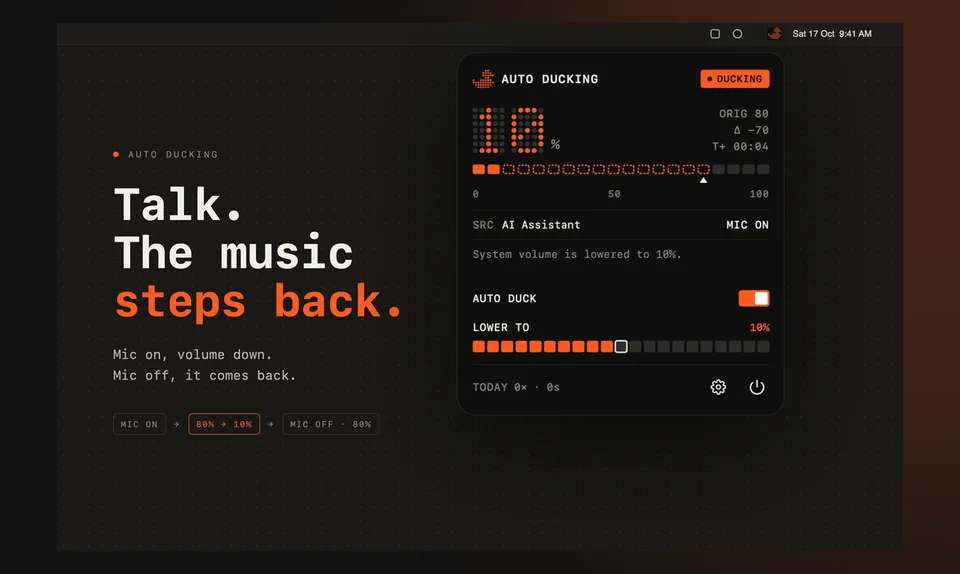
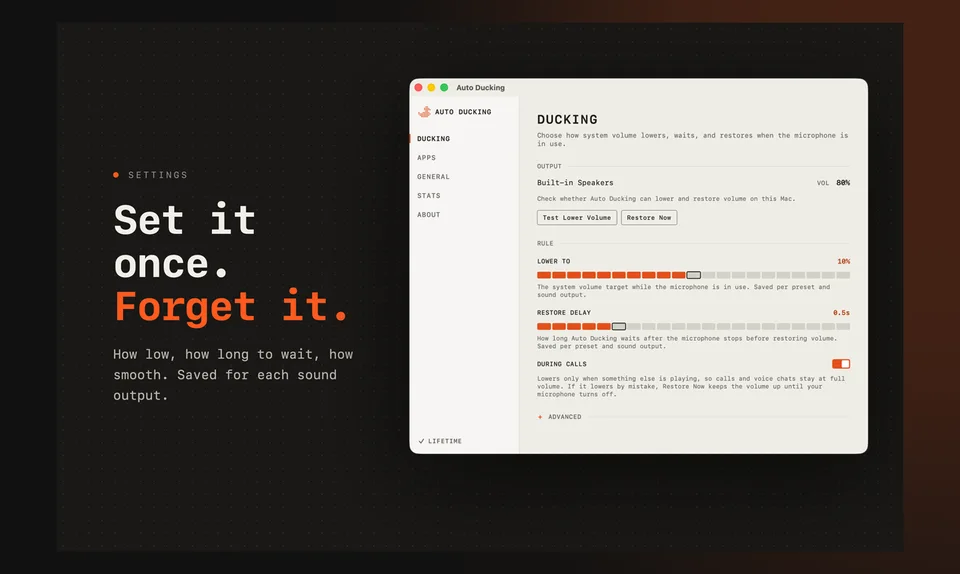
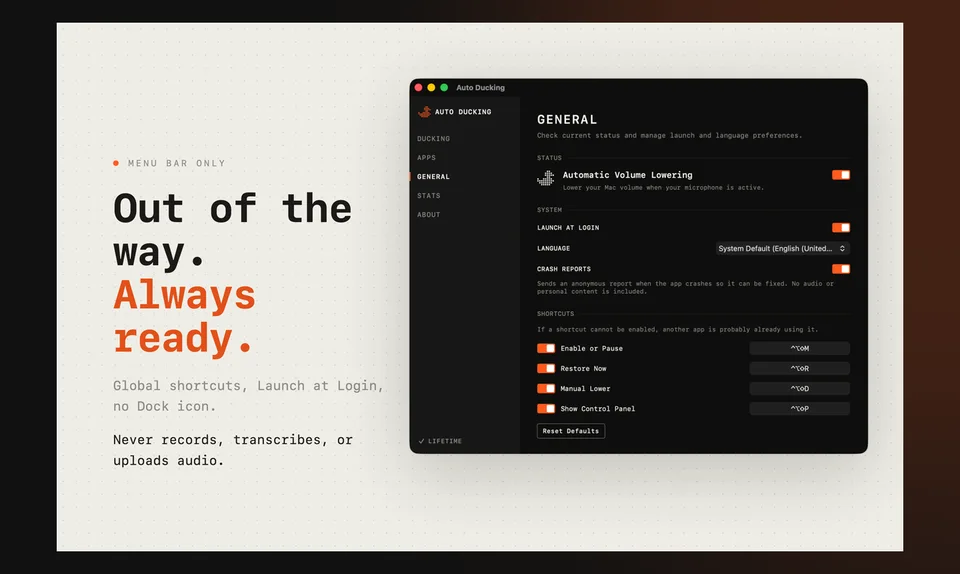
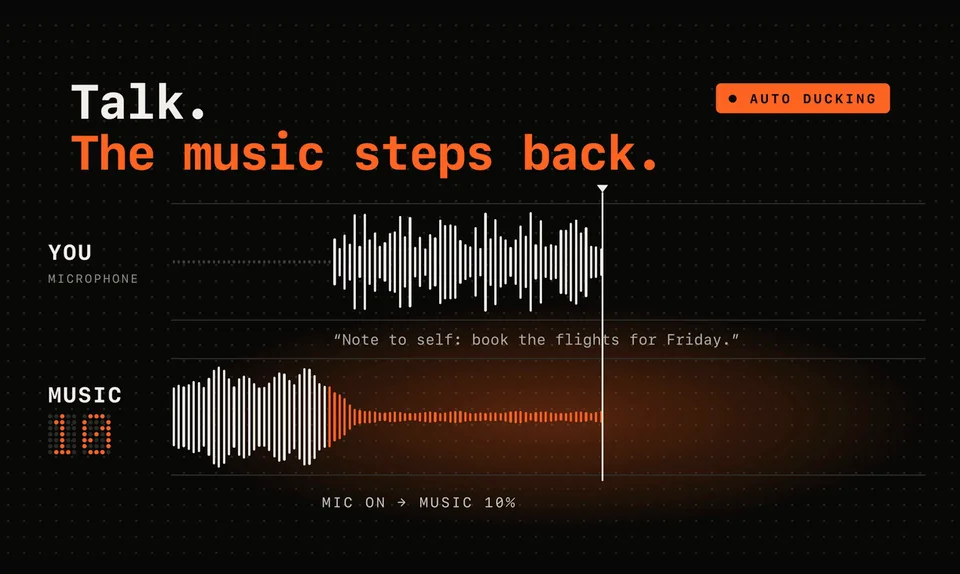
If you dictate or talk to AI tools with music playing, you know the routine: turn the volume down, speak, then try to remember to turn it back up. Auto Ducking removes that step. This lightweight Mac utility watches for microphone activity and, the moment an app opens the mic, smoothly lowers your output volume. When you stop, your original level comes back on its own. You can set fade down and fade restore, add a restore delay, include or exclude specific apps, use presets for dictation or recording, keep a separate level for speakers, headphones and displays, and duck manually with a global hotkey. It never records, transcribes or uploads audio, and it runs in the App Sandbox. macOS 14+. 7-day free trial, then a one-time $7.99 unlock (no subscription).
Pricing: $7.99 one-time (7-day free trial)
Minimum macOS: 14.0 (Sonoma)
Architecture: Apple Silicon, Intel
Key Features
- Automatically lowers output volume when an app opens the microphone
- Restores your original volume when you stop
- Adjustable fade down, fade restore and restore delay
- Include or exclude specific apps
- Presets for dictation or recording
- Separate levels for speakers, headphones and displays
- Manual ducking with a global hotkey
- Never records, transcribes or uploads audio; runs in the App Sandbox