Audio Tools
AI Vocal Separator
Separate vocals and background music locally on your Mac
Updated 13 Nov 2026

Overview
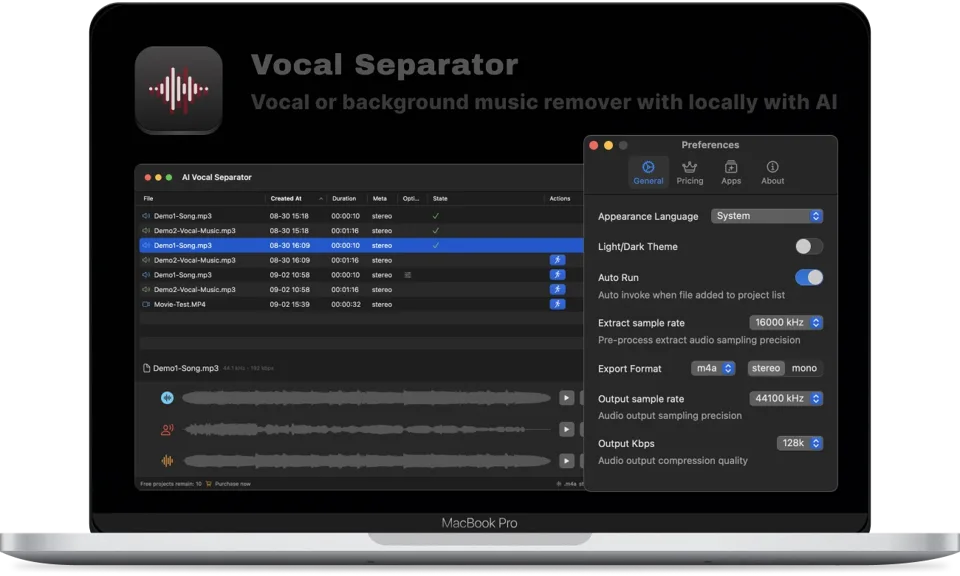
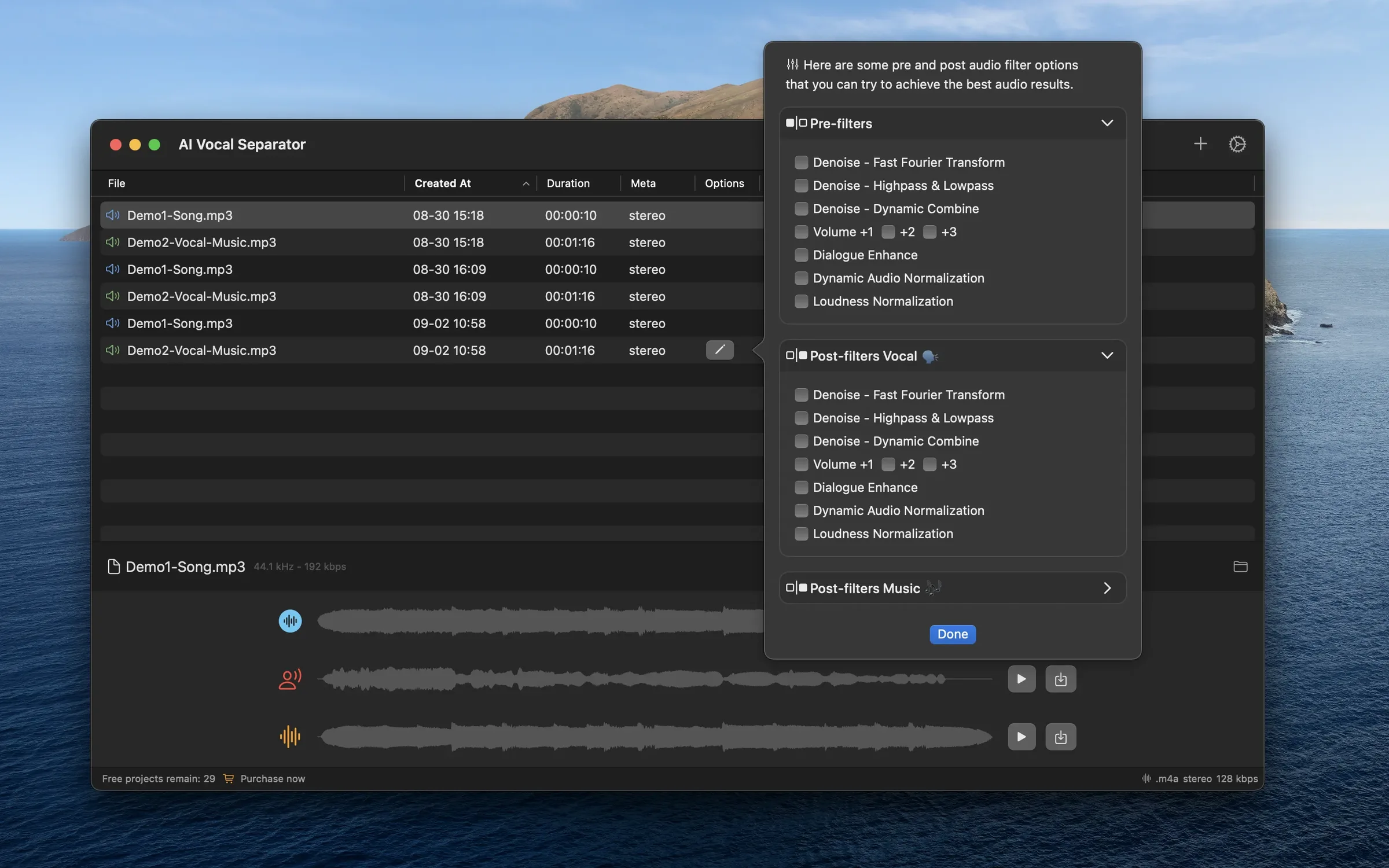
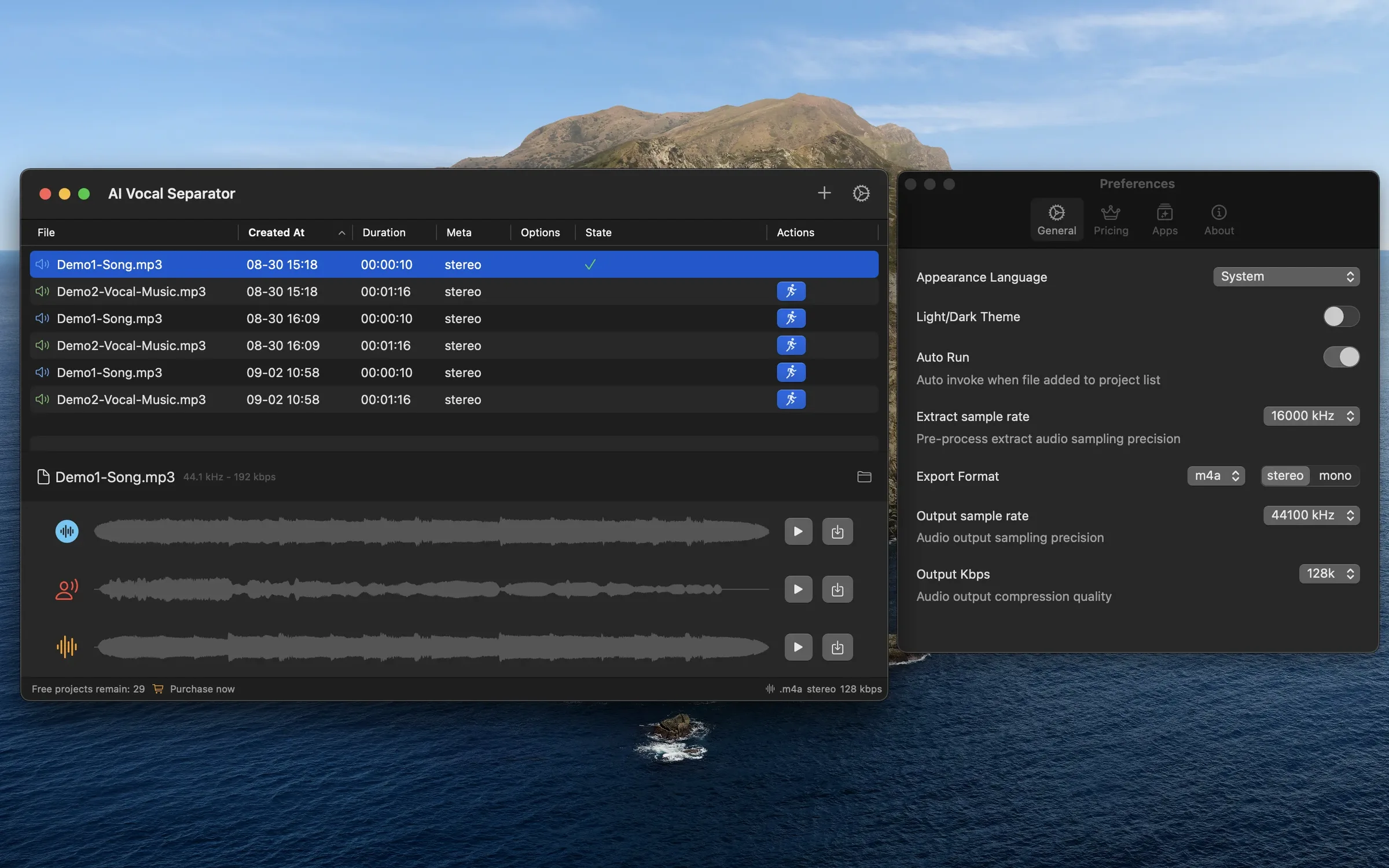
AI Vocal Separator separates vocals and instrumental tracks from audio or video files on your Mac. Its local AI model processes whole batches without uploading your media, making it useful for musicians, creators and anyone preparing isolated speech or backing tracks. Preview original, vocal and background tracks in one workspace. Refine the results with audio filters, split long recordings using voice activity detection, and choose output formats and sample rates for export. Video workflows can replace the original audio with the separated vocal or background track.
Pricing: Free, Pro Version $4.99 one-time
Minimum macOS: 14.0 (Sonoma)
Architecture: Apple Silicon, Intel
Key Features
- On-device AI vocal and background music separation
- Batch audio and video processing
- Preview original and separated tracks
- Denoise and audio enhancement filters
- VAD-based audio segmentation
- Flexible export formats and sample rates
- Replace video audio with a separated track